How myTRVL works
Less organizing. More looking forward.
From the first idea to the final reservation, myTRVL gives every trip one simple place to live.
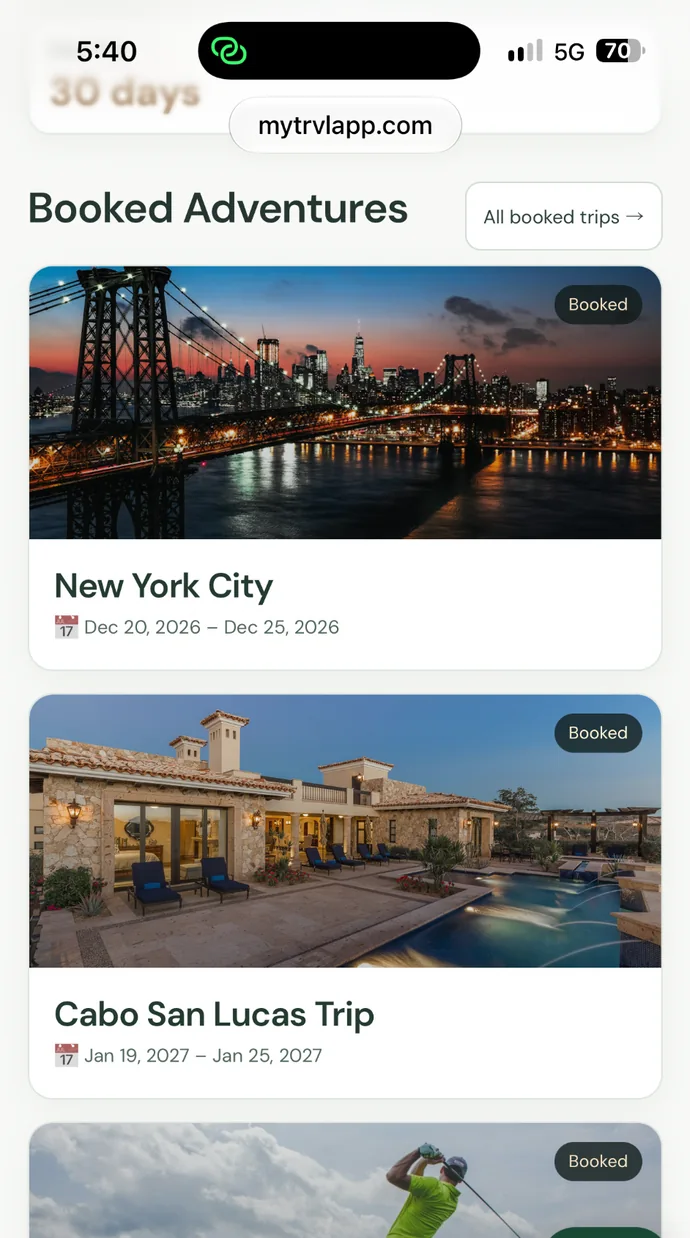

Five simple steps
Your trip, from beginning to boarding.
You can start small and add details as your plans come together.
Create your account
Sign up for free. Your trips are private to your account unless you choose to share them.
Add your next trip
Give it a destination and dates—or leave the dates open while you're still dreaming. Add a cover photo and planning notes when you're ready.
Forward reservations, or add them yourself
Forward supported flight and accommodation confirmations to your personal myTRVL forwarding address, or enter a reservation manually. Review the imported details before relying on them.
Share plans with your people
Invite another myTRVL user to collaborate on your trip. For friends or family who just need the plan, export a PDF itinerary.
Take it wherever you go
Access your bookings, day-by-day plans and packing list on iPhone, iPad or computer. Add myTRVL to your iPhone Home Screen for convenient access.
See it in action
Your itinerary, right in your hand.
Open a trip to see what's booked. Keep restaurant plans, activities and notes together instead of jumping between messages and email threads.
- Update a reservation as plans change
- Return to your current trip after saving
- Use Trip Expenses and PDF sharing when you need them
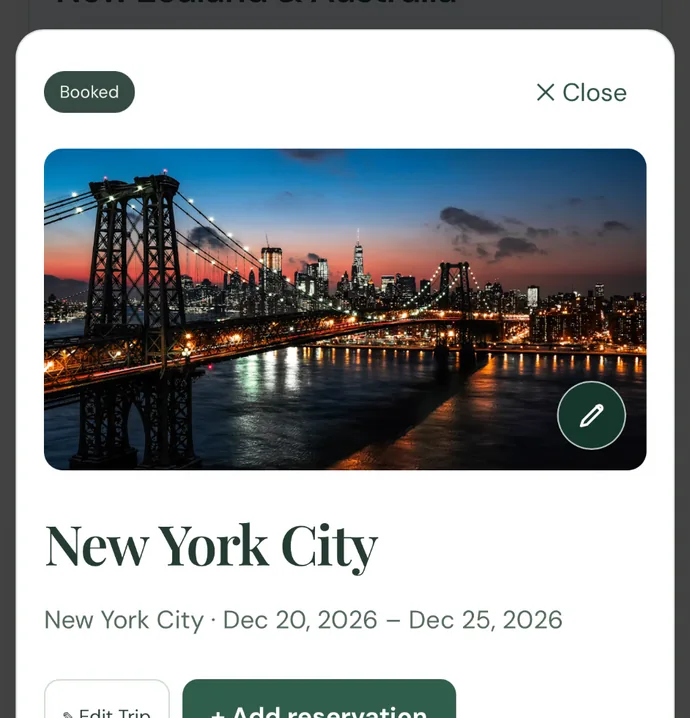
Actual myTRVL trip view
Automatic doesn't mean hands-off
Travel providers format confirmation emails differently. Check your imported reservations and any needs-attention notification so important details are accurate.
Share only when you want
Trip sharing is invitation-based. Your account and private trips are not automatically shared with other users.
Make room for the journey.
Bring the plans together; get back to the fun part of travelling.